Installing Taskion on your local server is simple. Follow our guide and verify that everything works correctly.
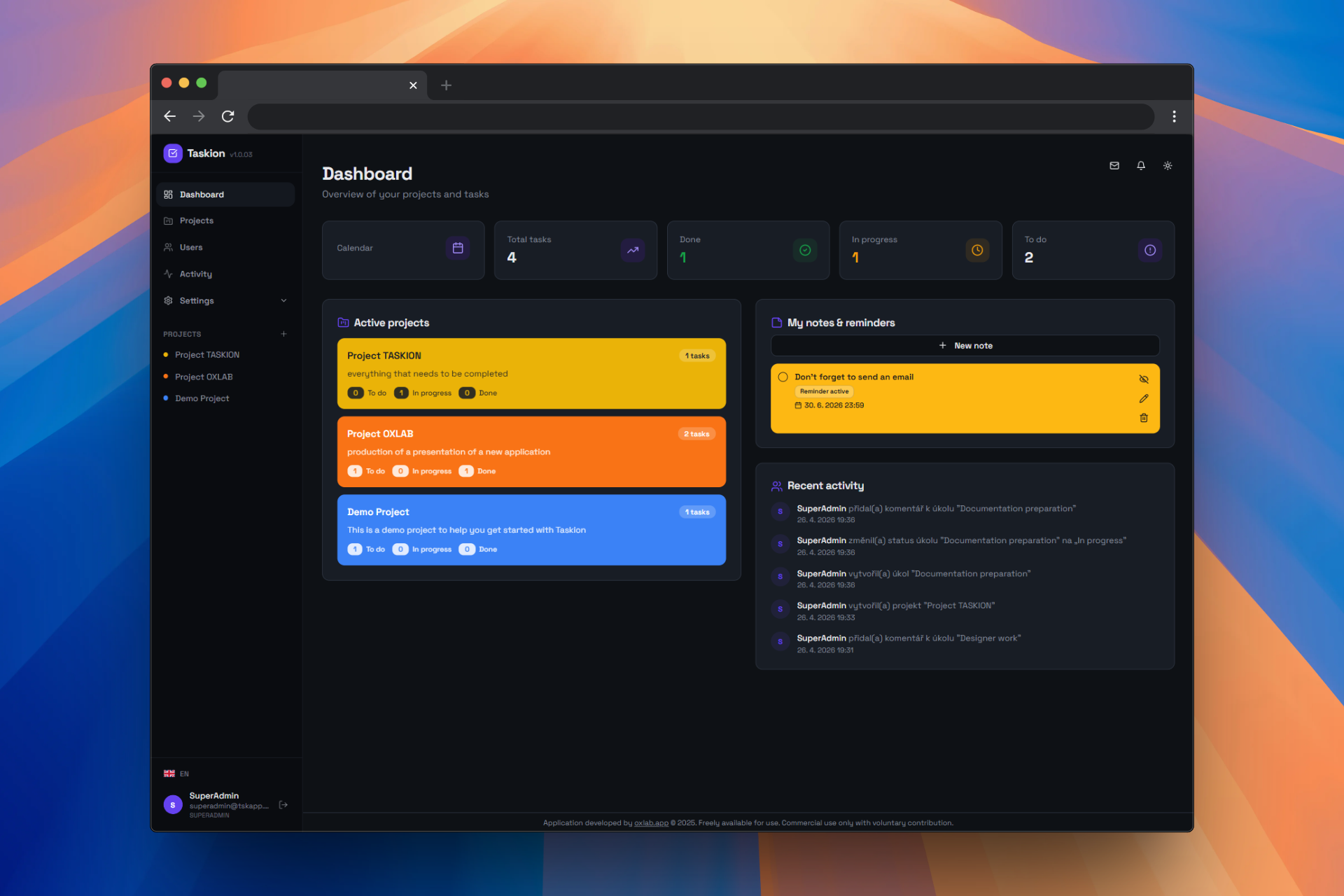
Download Taskion and copy the contents to the root folder of your project.
On Local WAMP Server:
C:\wamp64\www\taskionOn Web Hosting:
public_html or wwwOpen the installation wizard in your browser.
On Local WAMP Server:
localhost/taskion/installOn Web Hosting:
https://your-domain.com/installThe wizard will verify that you have all required PHP extensions.
Configure your MySQL database connection.
On Local WAMP Server:
On Web Hosting:
The wizard will verify that files have correct permissions.
The wizard will test all functions and complete the installation.
Taskion requires PHP version 7.4 or higher.
Taskion requires a MySQL database.
Minimum hardware requirements.
The installation wizard reports an error when connecting to the MySQL database.
Solution:
api/.envlocalhost, User=root, Password=(empty).envThe application cannot connect to the API server.
Solution:
config.js in a text editorapiUrl: 'https://demotaskion.oxlab.app/api'apiUrl: 'http://localhost/taskion/api' or apiUrl: 'https://your-domain.com/api'Example of correct configuration:
window.TASKION_CONFIG = {
  apiUrl: 'http://localhost/taskion/api',
  version: '1.0.3',
  isDemo: false
};The application displays but doesn't work correctly or content is not showing.
Solution:
api/.env - verify all settingslocalhost/taskion/api/status - should return JSON
The file api/.env contains all important settings.
Steps:
C:\wamp64\www\taskion\api.env (hidden file)If you have any questions or problems with the installation, please don't hesitate to contact us.
